This feature is available for the following products:

Below are instructions for golfers when registering for an event, league, or clinic using Golf Hub:
Access the Golf Hub from email, social media, or a link from the club website (as shown below).

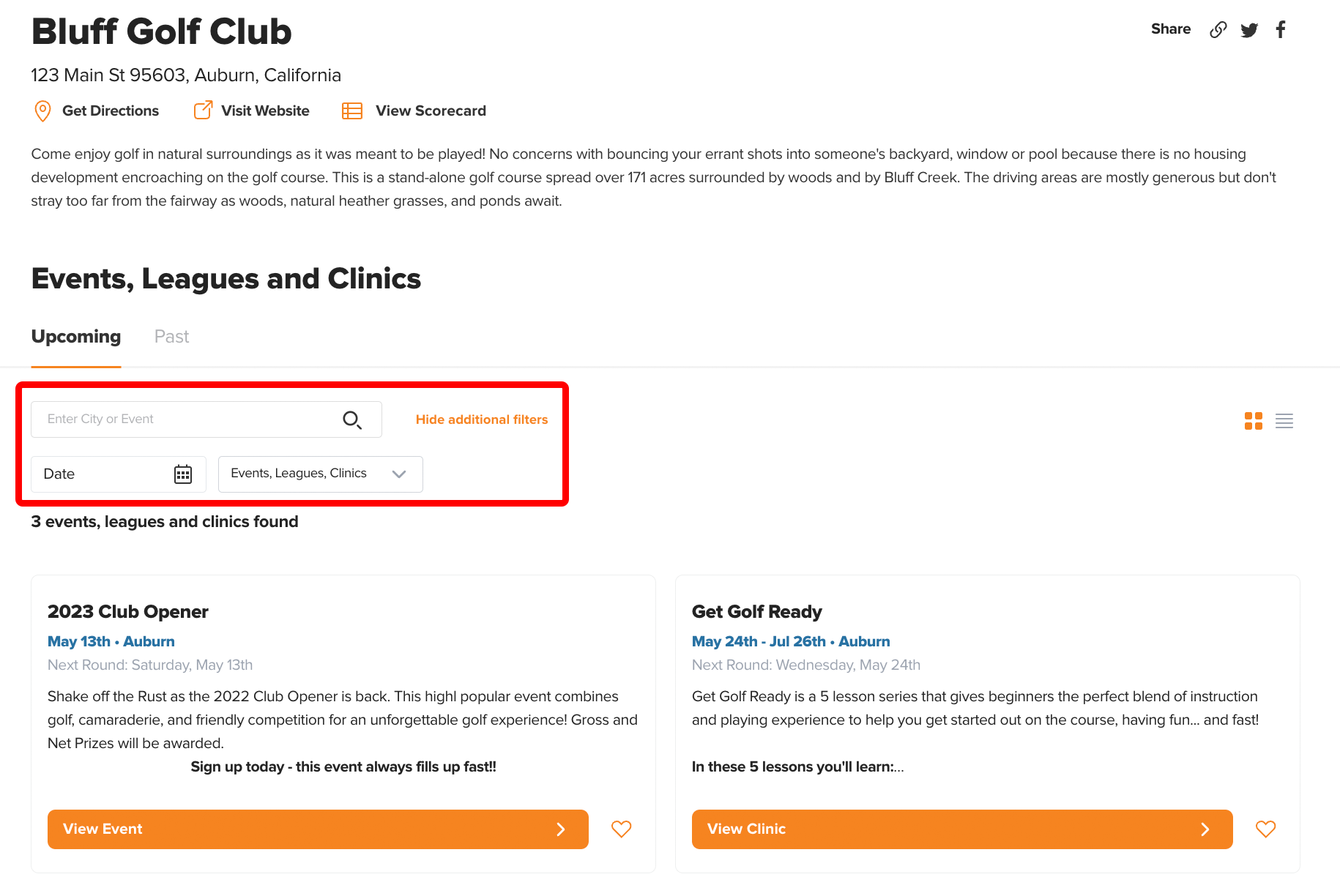
Find the event you wish to register for. Use the search feature to search for specific events, or narrow results by type (Club Hub Only) and a date range (as shown below).

Click "View Event/League/Clinic" to view the Golf Hub Page for the event (as shown below).

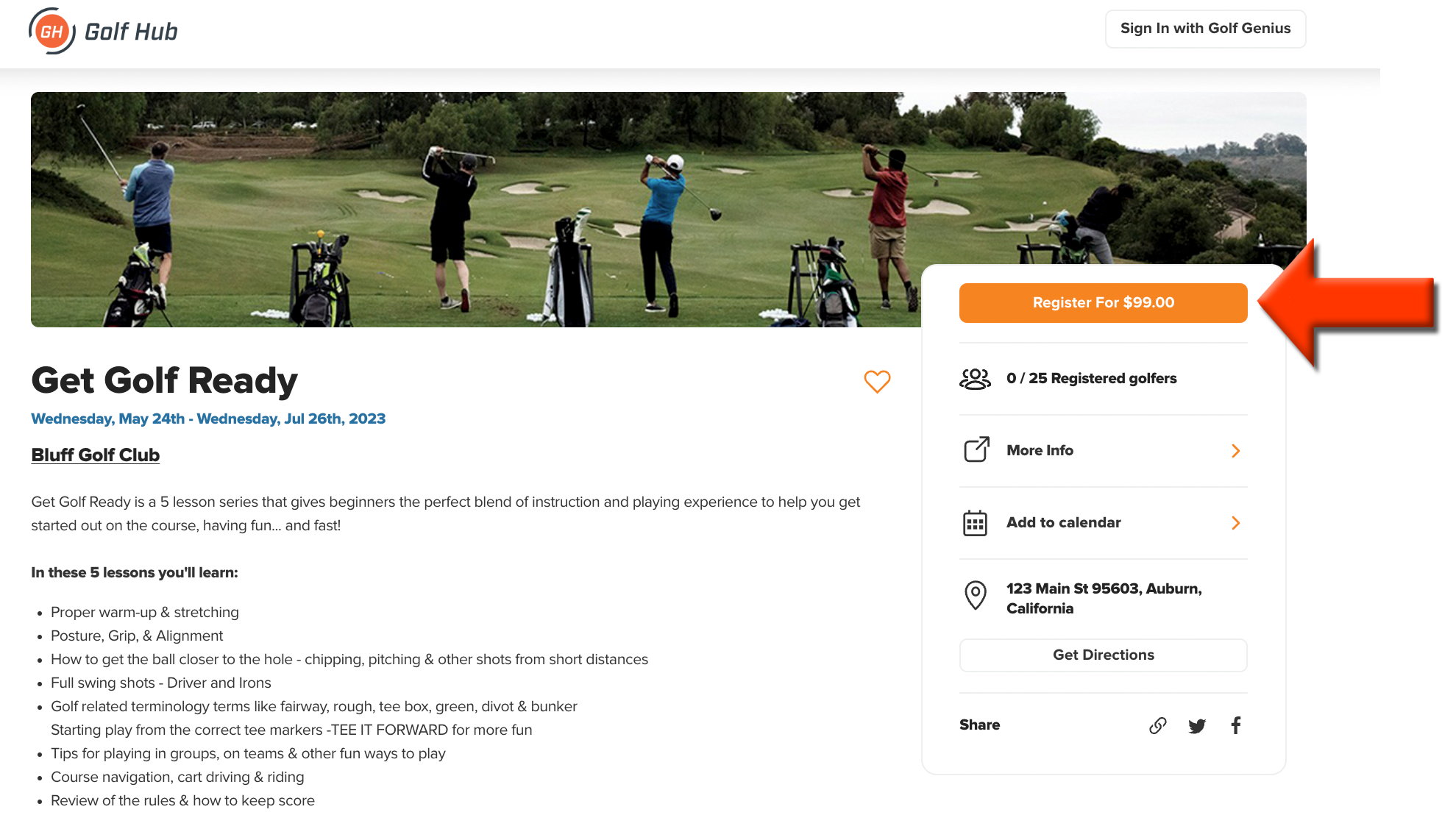
Click the register button (as shown below).

Sign in with your Golf Hub account or create a new account (as shown below).

Complete the registration form by entering the required information for the registrant(s). If online payments are being collected, enter your payment method and details (as shown below).

Click "Register" or "Pay and Register" if making payment for the event in the lower right-hand corner of the window.



Editing Your Registration
If the organizer allows it, you can edit your registration until registration closes. To edit your registration, follow these directions:
On the Golf Hub Page, sign in and click "View Registrations."
On your registration, click "Edit."
Update the golfer details. You can change first and last name, gender, and handicap ID. For free registrations, you can also add or remove golfers, as long as the number of golfers matches an allowed registration size and stays within the player limit.
Click "Save." A confirmation appears once your registration is updated.
Note: To discard your changes, click "Back to Registrations" instead. Golfers can't be added to or removed from paid registrations, and cancelled registrations can't be edited.
Cancelling Your Registration
If the organizer allows it, you can cancel your registration until registration closes. To cancel your registration, follow these directions:
On the Golf Hub Page, sign in and click "View Registrations."
On your registration, click "Cancel."
Confirm the cancellation in the pop-up.
Cancelling removes everyone on the registration from the event and sends you a confirmation email. If the organizer has turned on automatic refunds, your payment is refunded in full to your original payment method.
Note: A cancellation can't be undone. If you change your mind, you'll need to register again. If an automatic refund can't be processed, you'll see an error message, but your registration is still cancelled. Contact the organizer about your refund.
Note: If you don't see "Edit" or "Cancel," the organizer hasn't turned on that option, or registration has closed.
Additional Options
Add Event to Calendar
Click "Add to Calendar" to add the event to your calendar (as shown below).

Share Via Social Media
Share the event via social media or email with your friends and family (as shown below)!

Get Directions
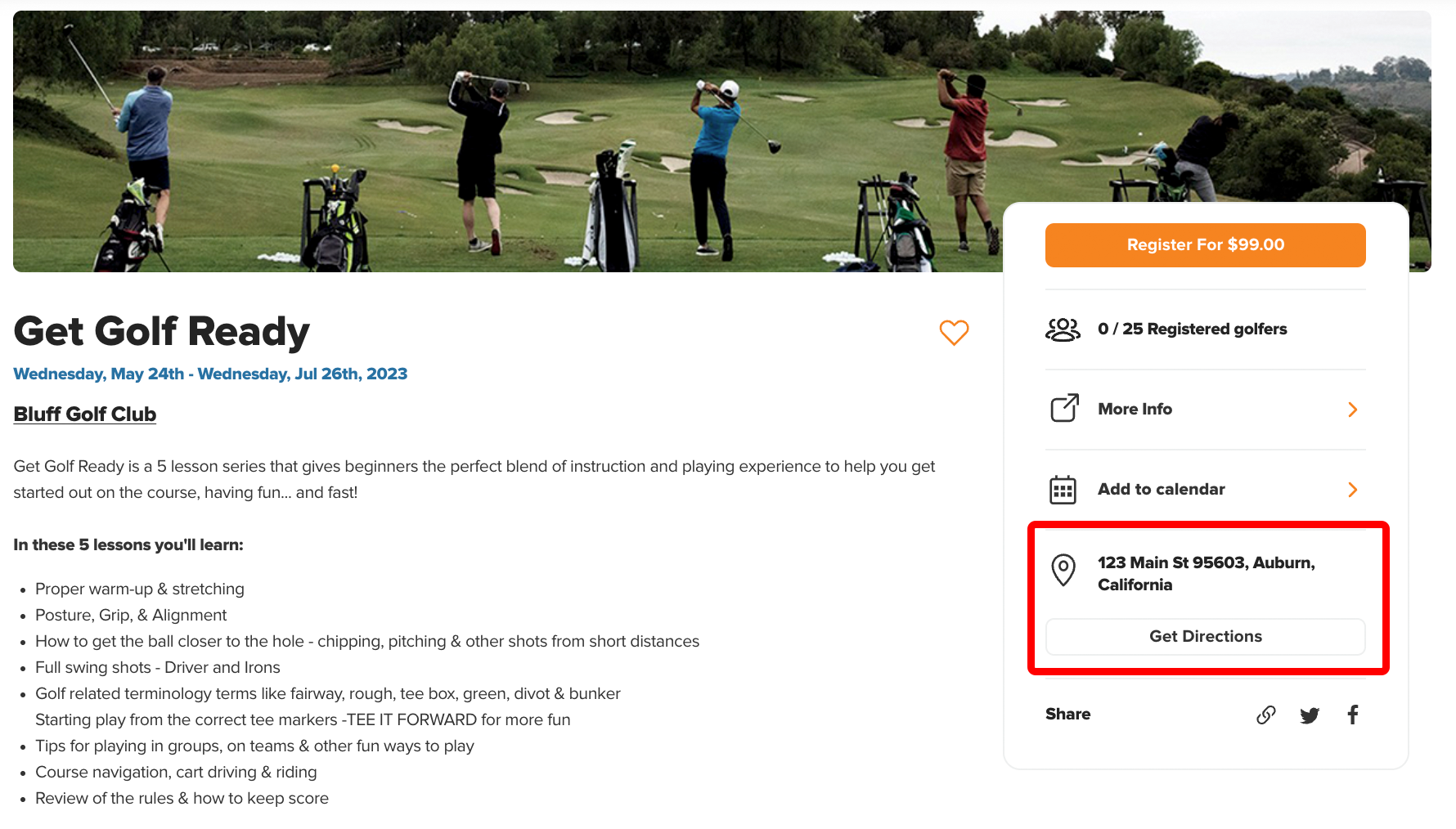
If you aren't certain where the facility is, click "Get Directions" to get directions to the facility (as shown below).