
This feature is available for the following products:

Note: If you would like this feature enabled, please contact support the support team.
Q: I have a team event field and I'd like to have their team logos next to their names on the leaderboard. How can I do this?
A: Follow the instructions below:
Go to Event > Event Profile > Tournaments and Scoring.
Check the box and use the dropdown to select the option to display team logos on the leaderboard (as shown below).

Save the selection.
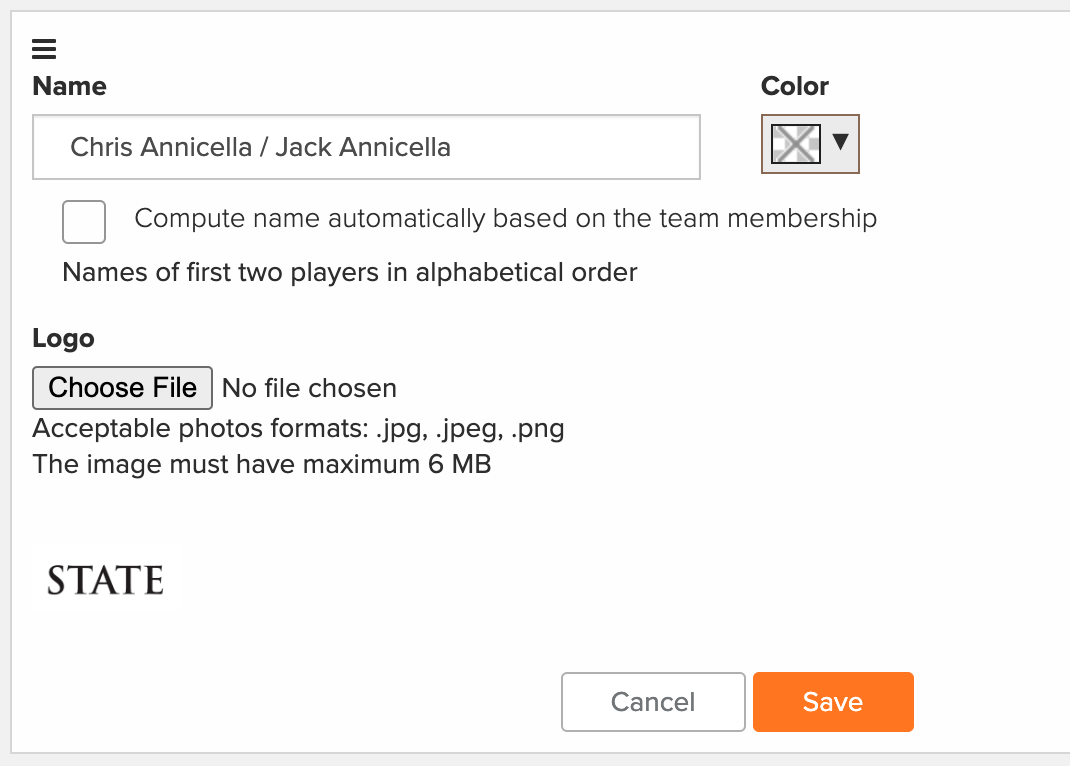
Edit each team to include a team logo.
Go to Golfers > Event/Division/Flight/Teams > Manage Team List > Manage Teams. (Note: If you created your teams in rounds, go to, Round> Round Division/Flight/Teams.
Click "Edit."
Click "Choose File."
Navigate to and select the team logo.
Click "Save" (as shown below).
After completing the steps above, team logos will now be displayed in the following areas:
Manager Site Leaderboard
Printed Leaderboard
Mobile App Leaderboard
Portal Leaderboard
TV Display Leaderboard