
This article is intended for users of the following products in the UK and Qatar:

Q: We use the Club Score Input Terminal at our facility, and a player on our master roster is having trouble logging in. Why can this player not log in to the Terminal?
A: In order for a member to log in to the terminal, they need to have the following three things in their master roster profile:
Gender
CDH number
Handicap Index
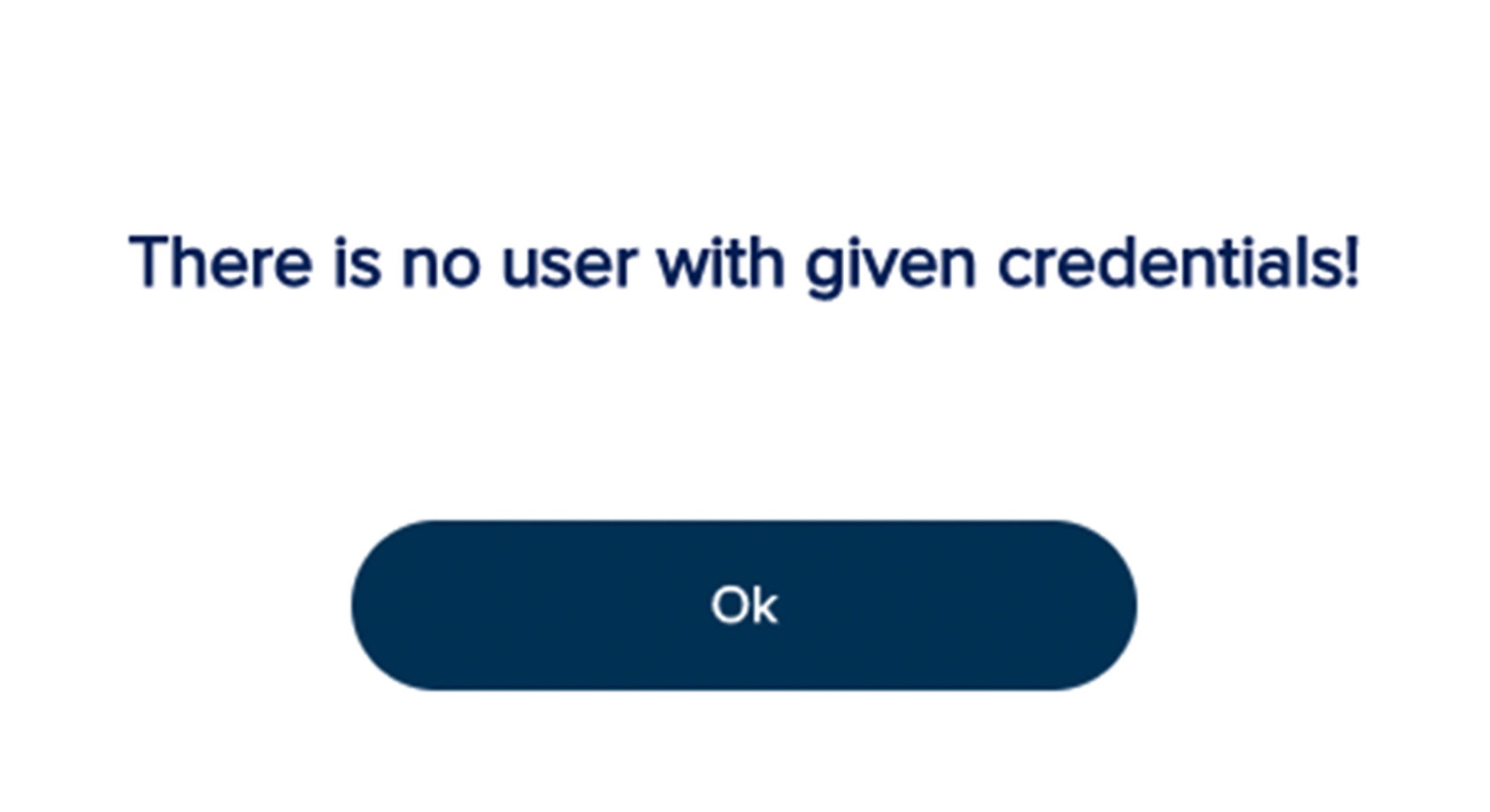
If any of these three items are missing from their Master Roster profile, they will see the following message when attempting to log in to the terminal.
To update a golfer's master roster profile, follow these directions:
Navigate to Customer Center > Master Roster > View Master Roster.
Search for the player whose profile you need to update.
Click on the profile to edit it.
Update the following:
CDH Number and Gender: The player's CDH number and gender can be updated in the profile tab.
Handicap Index: The player's index can be updated in the H.I. Summary Tab.
Make updates as need to the players profile.
Click "Save" to apply the changes.
For more details about master roster player profiles, Click Here.