This feature is available for the following products

Q: When the TV Display is scrolling through tournament results, I'd like to always display the leader of the tournament. How can I do this?
A: Follow these steps:
Go to the tournament setup and select the Advanced Display options (as shown below).

Select the option to display the leader on the TV Display ticker (as shown below).

Click "Continue"
Save the tournament setup.
Go to Rounds > Display Leaderboard > TV Display.
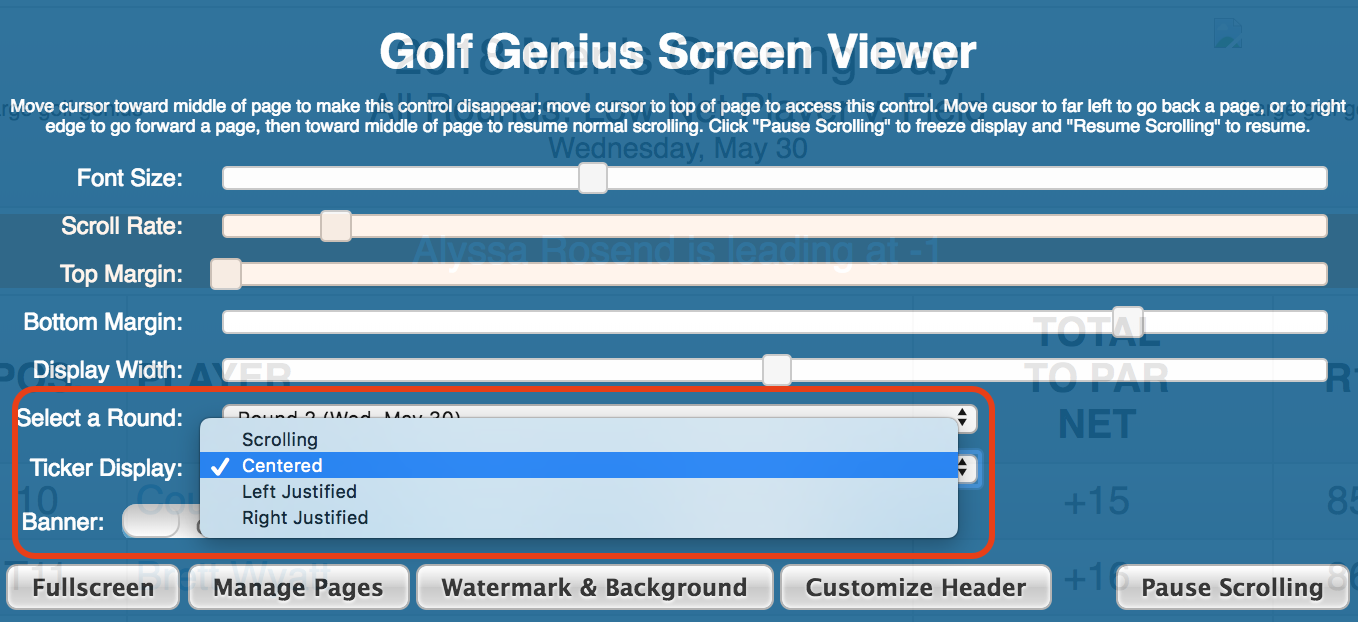
In the TV Display Settings, select the ticker display option (as shown below).

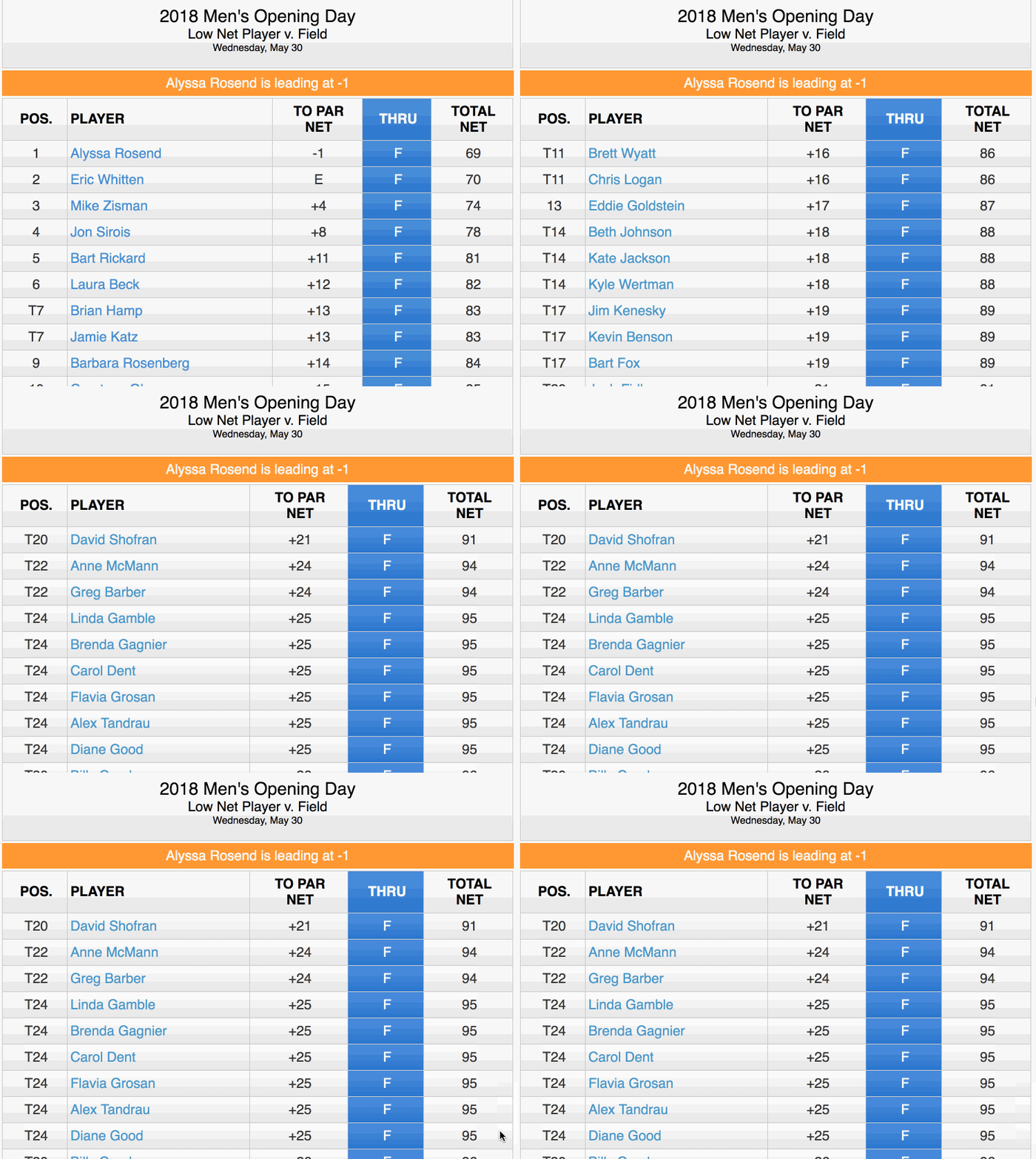
The leader will then be displayed above the results at all times (as shown below).