
Q: I do not want to make Par or Course Rating adjustments when multiple tees are being used in a competition. How can I remove this adjustment method?
A: If you'd like to ignore making the Par or Course Rating adjustment for an event or league, go to League/Event > League/Event Profile > Handicap Settings.
Depending on the handicap method that you use, you will have the option to either:
Calculate Course Handicap without applying relative par difference (shown below)
Calculate Course Handicap without applying relative rating difference
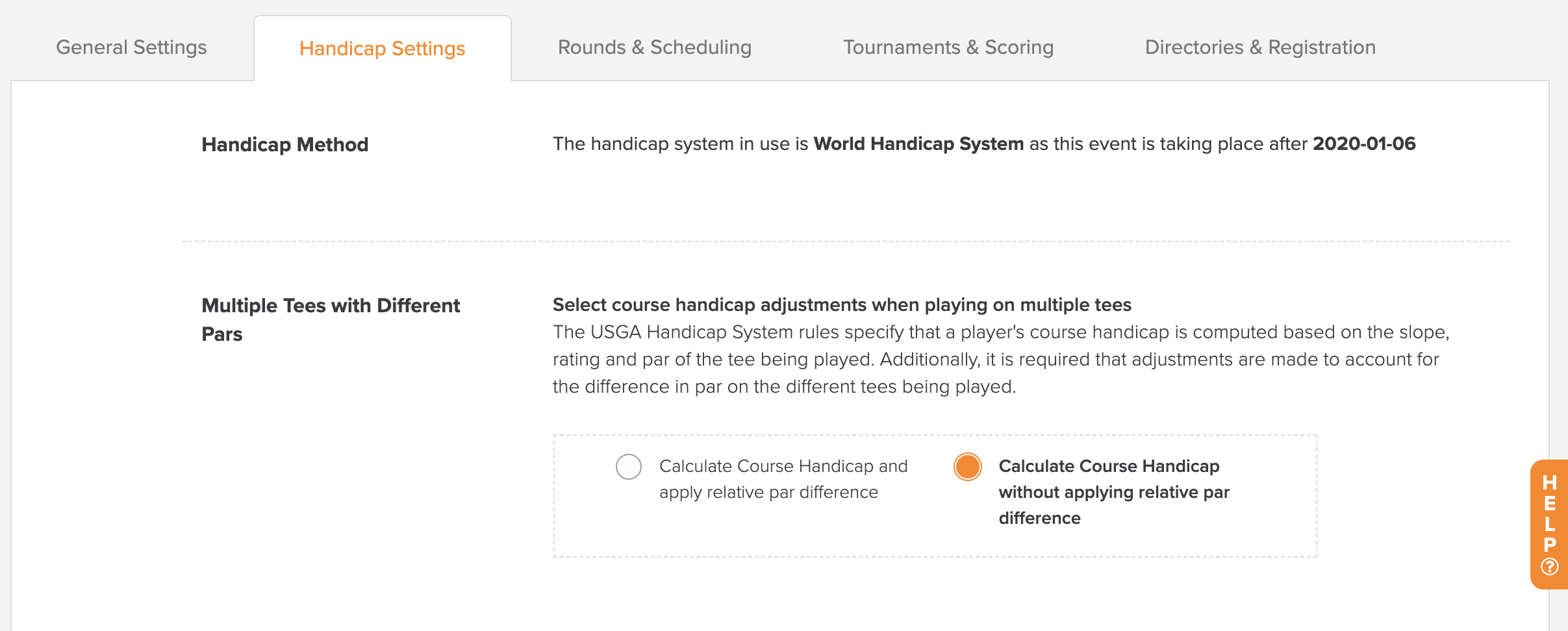
Select whichever option is available for you.
If you'd like to ignore making the Par or Rating adjustment for a specific round instead, go to Rounds > Round Profile > Handicap Settings.