
This feature is available for the following products:

Note: If you would like this report enabled, please contact support.
Q: I would like to print a Blank USGA Bracket Report before players are entered into the first round pairings. Where can I find the report?
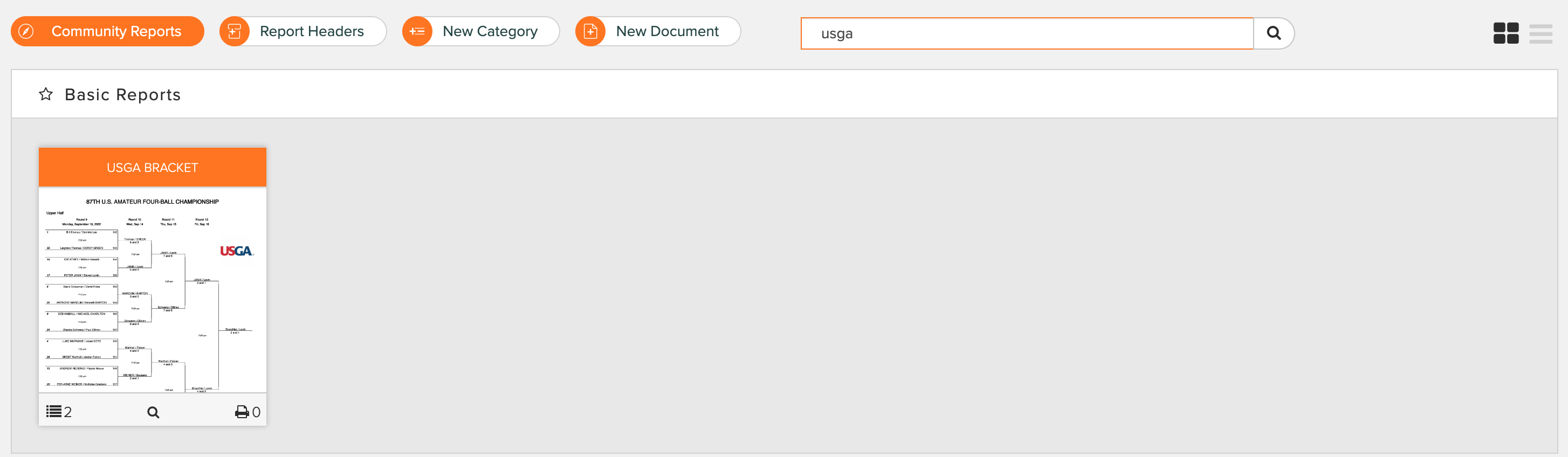
A: Within a round that has a bracket tournament but pairings have not been entered, go to Rounds > Report Center > Basic Reports and search USGA Bracket. You will be presented with the "USGA Bracket" report (as shown below). Hover over the report with your mouse and click "Print."
This report is not editable and supports the following bracket tournament setups:
1 Region of 64 Players (with Upper and Lower halves),
2 Regions of 32 Players,
1 Region of 32 Teams (with Upper and Lower halves),
2 Regions of 16 Teams.