
This feature is available for the following products:

Q: I am using Event and League Registration for an Event/League and would like to only allow men to register. How can I do this?
A: If advanced eligibility criteria are enabled for your account, we suggest using them instead. Click Here to learn more. Advanced eligibility criteria are enabled by default for Golf Genius TM Association customers. If you are a Golf Genius TM Premium customer and would like them enabled, contact your Golf Genius Account Manager.
If advanced eligibility criteria aren't enabled for your account, you can use custom fields instead. The registration must be open to members only.
To set eligibility requirements with a custom field, follow these directions:
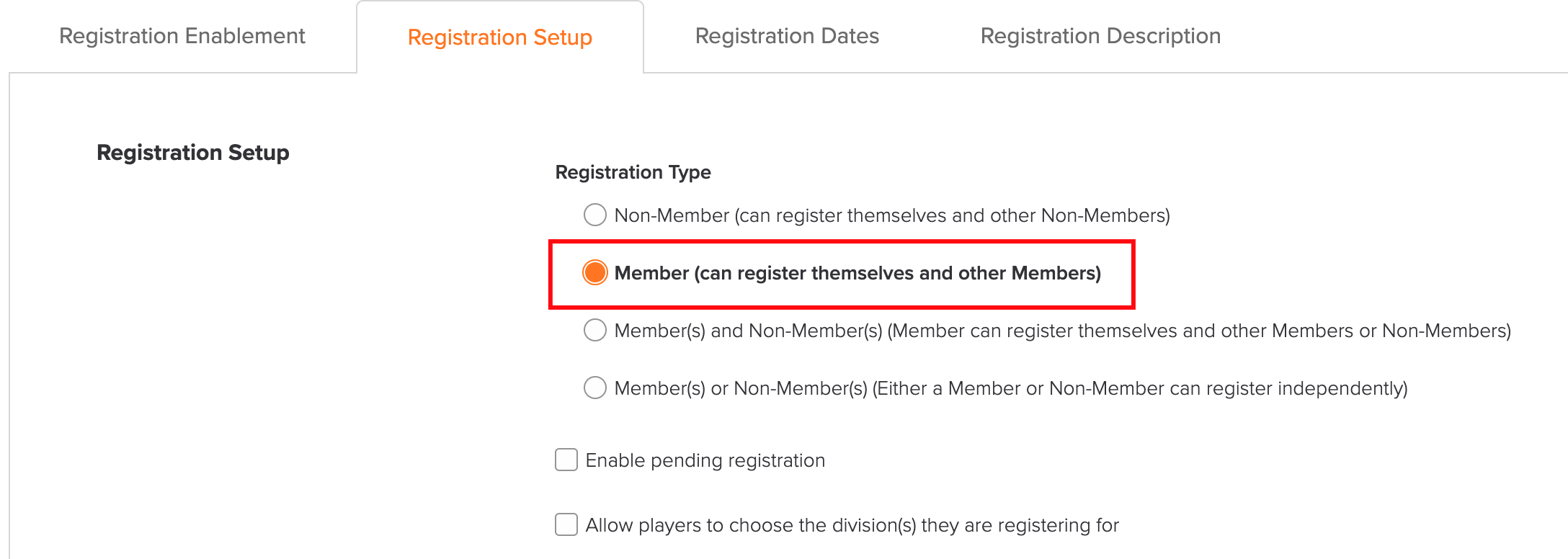
Navigate to Event/League > Registration Center > Registration Setup tab.
Set the registration so only members can register (as shown below).

In the member form, select the custom field to use for the requirement. In the example below, only men can register.

Click "Save" to apply the settings.
When registration opens, only members who meet the requirement can register.